Lightbox Lite
/
Framer
See it in action:



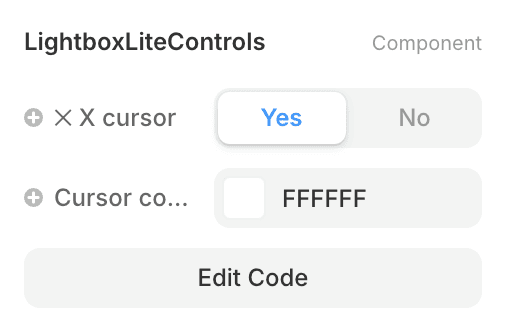
custom X cursor
Customizable Color
Lightweight & Simple
Framer’s native Lightbox is visually stunning, but it lacks a clear functional cue.
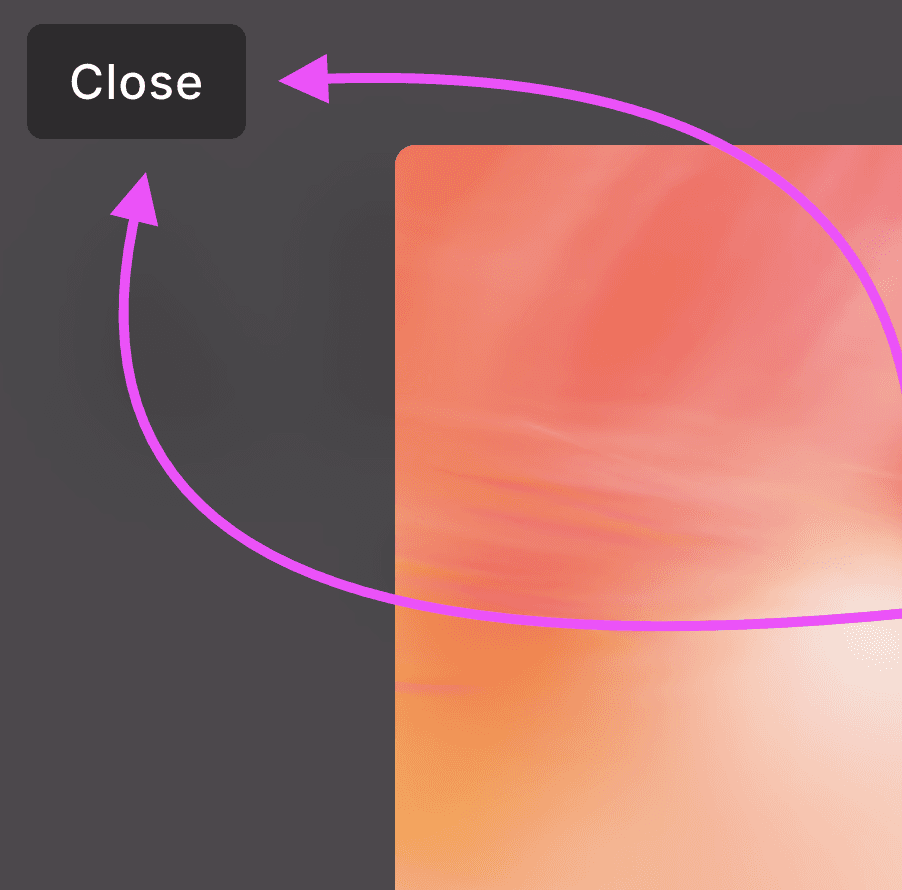
Without a visible "close" button or instruction, users are often left guessing how to exit the expanded view, which can lead to a frustrating "trapped" feeling and higher bounce rates.
Lightbox Lite solves this UX gap by introducing a custom "X" cursor that automatically appears when the lightbox is active. By transforming the mouse pointer into a clear closing icon, it communicates to the user that a single click anywhere on the backdrop will safely return them to the page.
There is no complex setup required. Simply drop the Lightbox Lite component anywhere on your frame. It remains invisible during design but activates globally, immediately upgrading every native lightbox on your page with the intuitive "X" cursor and refined backdrop controls.
Go Pro for Advanced Customization
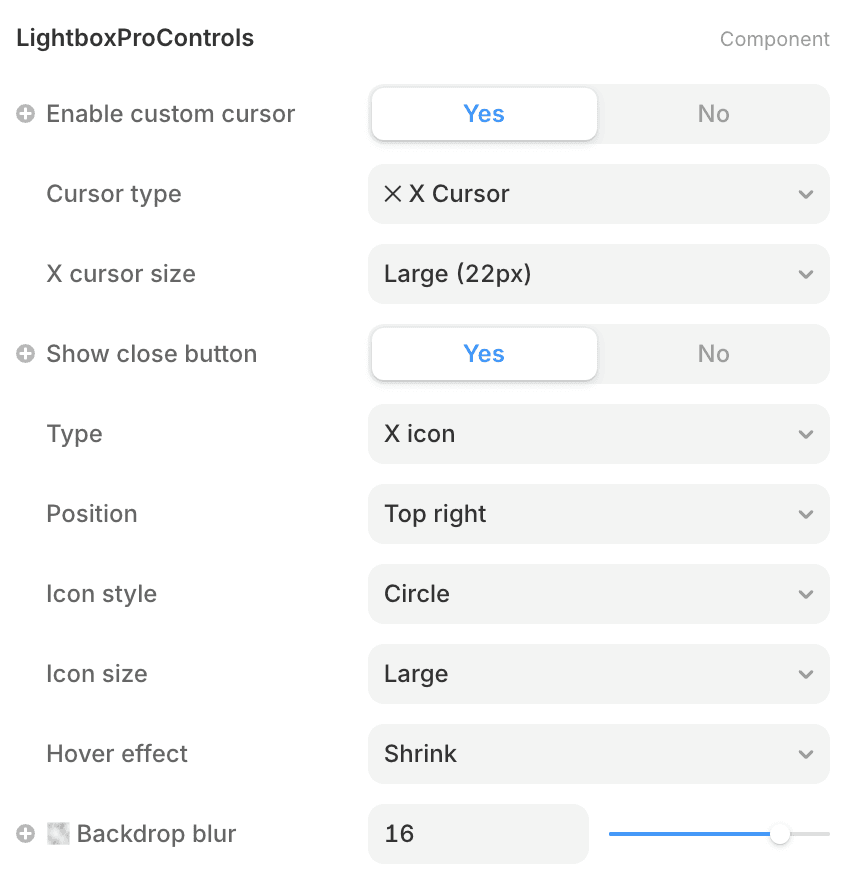
Lightbox Pro Controls
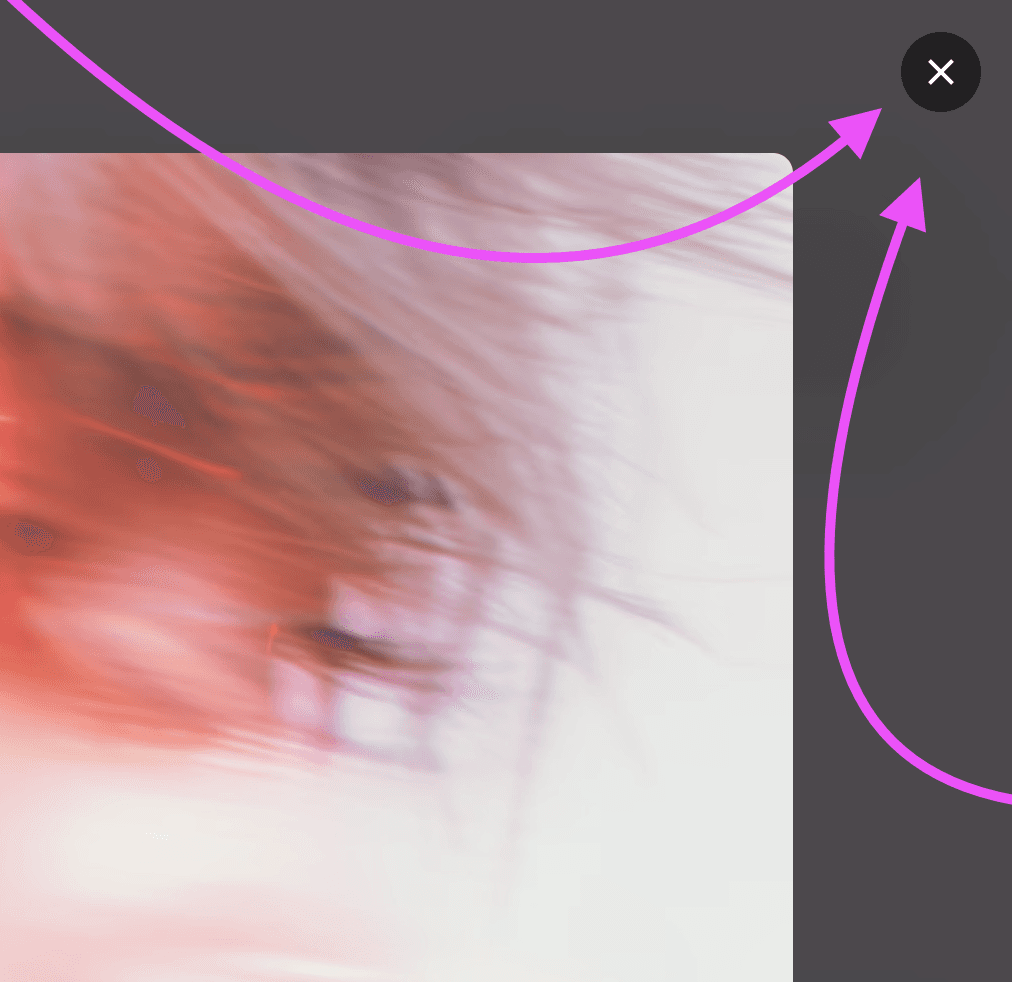
Unlock full styling controls, multiple cursor types, and custom button placements. Designed for creators who need their Lightbox to be as unique as their work.